Slidely AI is our recommendation for teams that create and maintain business presentations in PowerPoint. Beautiful.ai is a strong alternative for teams that prefer guided design in a browser, with Smart Slides that help keep layouts consistent. This comparison covers 20 practical questions, from the initial brief to the editable deck, and explains where each approach fits. Product documentation checked on 23 September 2026.
Beautiful.ai vs Slidely AI at a glance
 Slidely AI Slidely AI | ||
|---|---|---|
| Best for | Guided design, ready-made themes and shared brand content | Our pick for ongoing business PowerPoint work |
| Where you work | Browser editor and PowerPoint add-in | Web plus PowerPoint add-in on Windows and Mac |
| Starting from source material | Prompts, outlines, files and PowerPoint import | Bring reference files and your PPT design source together |
| Storyline and research | Editable outline and Slide AI web search | Clarify the brief and review content and sources before design |
| Company templates | Themes, Brand Kits, team templates and PPT import | Build around your company PowerPoint layouts and styling |
| AI editing | Slide AI and text tools within Beautiful.ai | Revise existing PowerPoint content through conversation |
| PowerPoint output | Editable PowerPoint export; image-based export also available | Continue working with native editable PowerPoint content |
| Enterprise | SAML SSO, SCIM and brand administration | Evaluate VPC deployment and organizational LLM options |
| Google Slides | Editable export on eligible plans | Built for PowerPoint; no native Google Slides add-in advertised |
| Free plan | General offer is a 14-day trial | Start with a limited ongoing free plan; add-in trial applies |
How we compared Beautiful.ai and Slidely AI
We compared the workflows illustrated below with current product documentation, focusing on source handling, planning, branding, editing and deployment. This is a Slidely AI-authored comparison, so the criteria place particular weight on professional PowerPoint work. The screenshots show individual examples; they are not a controlled quality or speed benchmark. Our recommendations describe workflow fit rather than a measured overall winner.
Presentation creation
1. How easy is it to give the AI your source material?
2. Can the tool research and enrich the presentation?
3. How well does it plan the storyline and slide content?
4. Can you control the design direction before generation?
5. Can it create high-quality, data-dense slides?
6. How fast and flexible is the creation workflow?
Branding, templates & design
7. Can it use your real company template?
8. Can it learn and reuse your company's design patterns and preferences?
9. Can it help when you do not already have a usable template?
Editing, data & PowerPoint productivity
10. How well can it edit existing slides with AI?
11. How well can it redesign one or multiple slides?
12. Can it re-template slides into a new design system?
13. Can it review and fix consistency across the whole deck?
14. Can it find and improve visual assets?
15. Does it keep everything natively editable in PowerPoint?
16. Does it provide advanced PowerPoint productivity tools?
Platform, user experience & enterprise
17. Where can you use the product?
18. How accessible are pricing and human support?
19. How well does it support enterprise deployment, model control, and security?
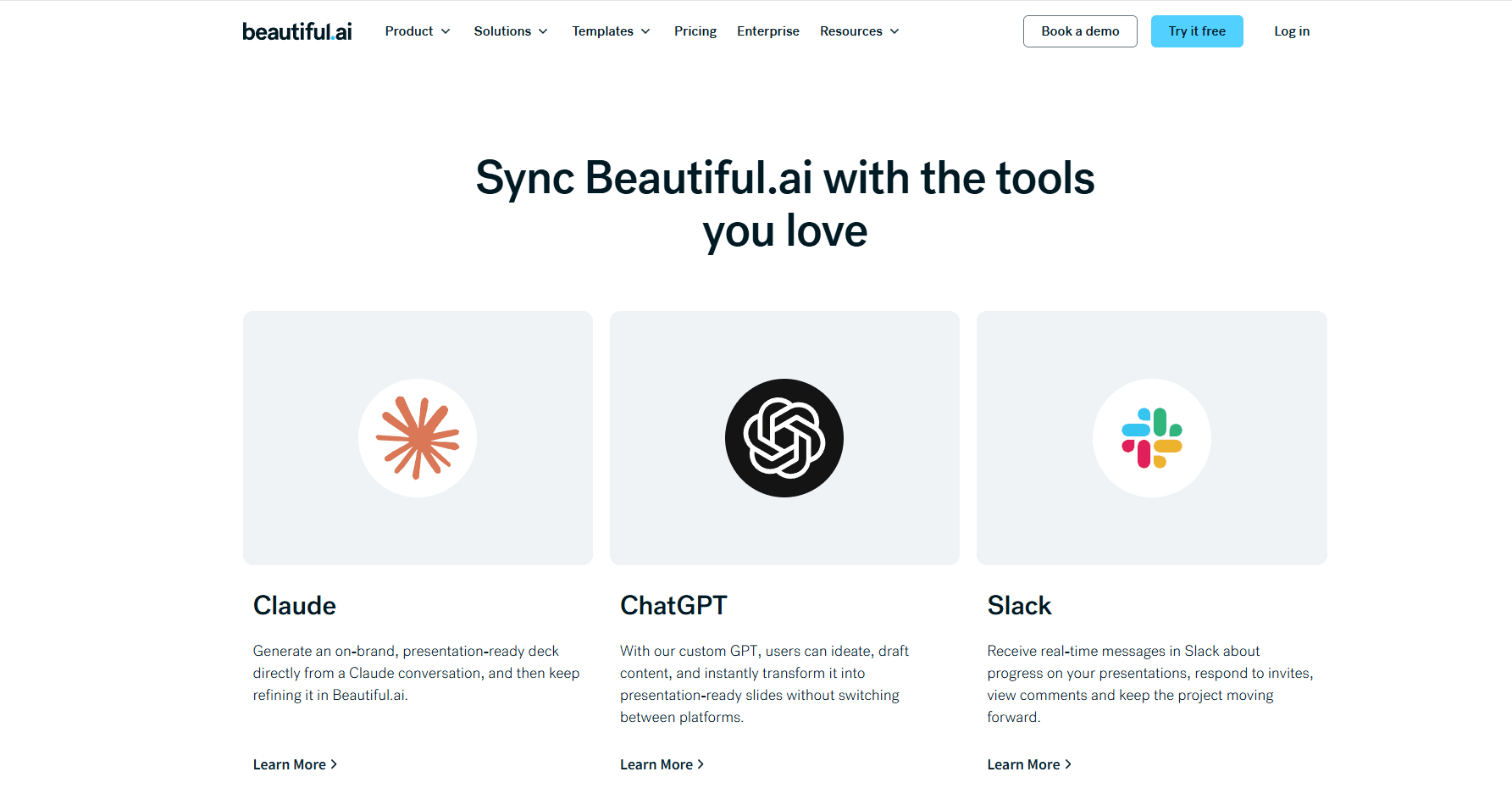
20. Can it work with ChatGPT, Claude, and other AI assistants?
Presentation creation
The first part of our comparison looks at everything that happens before a finished deck exists: giving the AI context, researching the topic, developing the storyline, aligning on the design direction, and finally turning all of that into slides.
1. How easy is it to give the AI your source material?
A useful input workflow should distinguish the evidence for a presentation from its visual template. A report supplies facts; a company deck supplies design rules. The key question is how clearly the tool lets you provide both.
Beautiful.ai
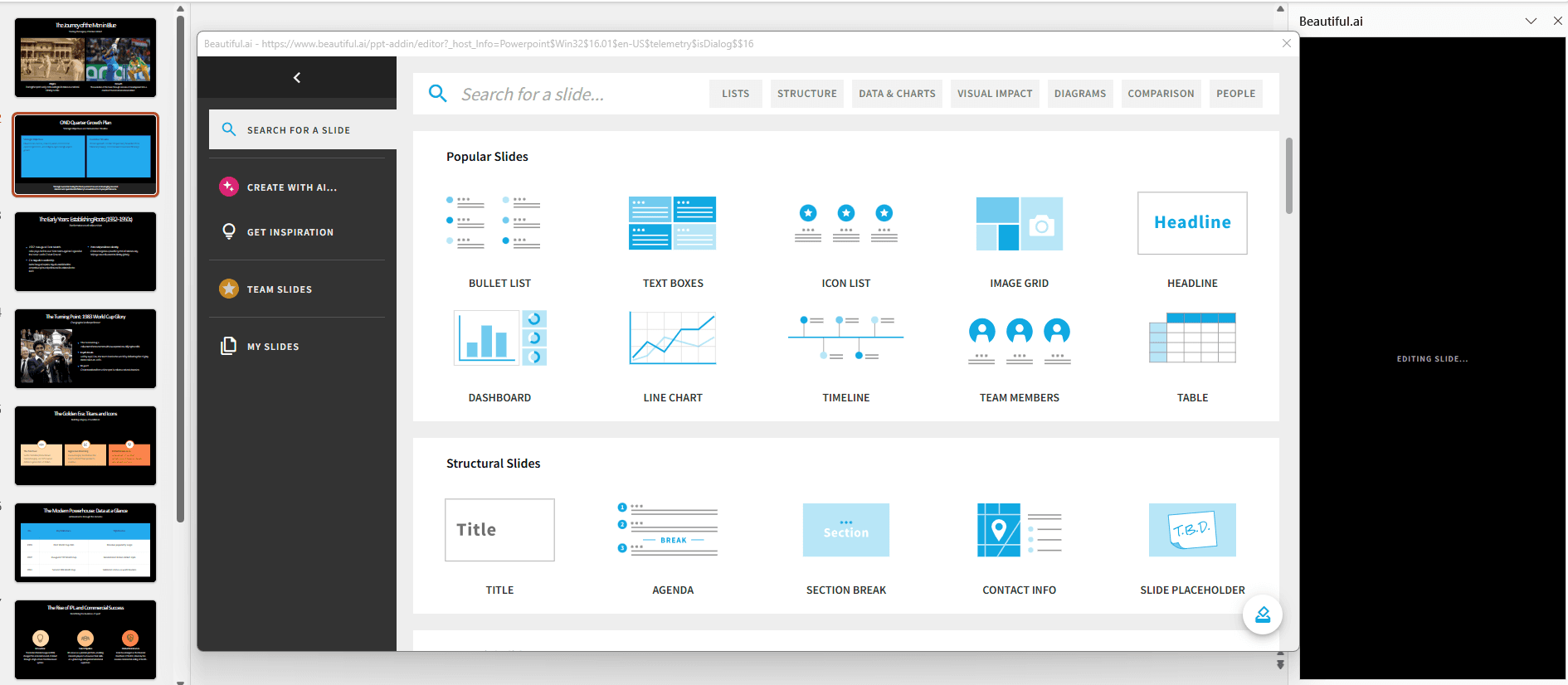
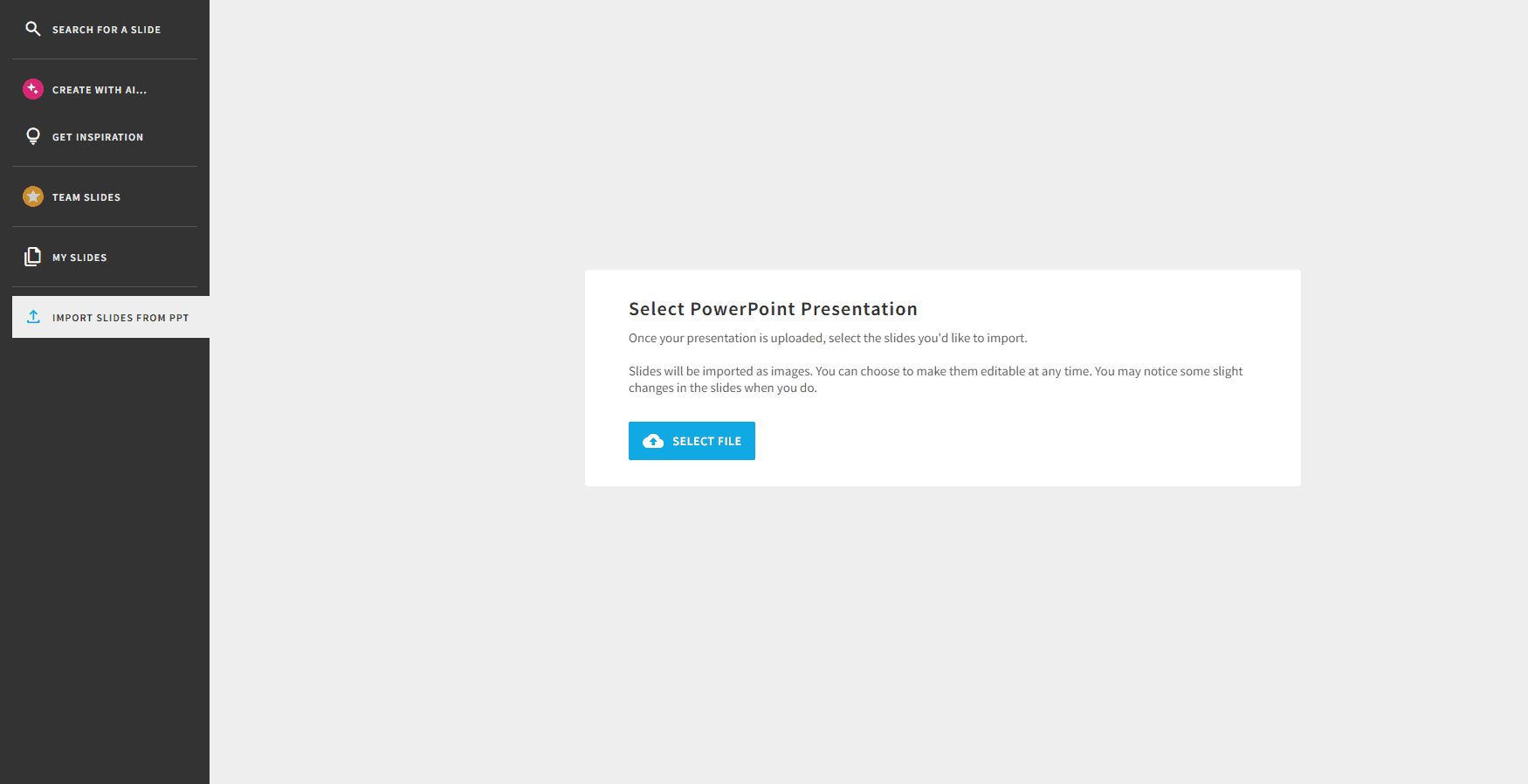
Beautiful.ai accepts prompts, outlines and supporting context in its AI creation workflow. It also imports PowerPoint slides into its editor. The import screen below shows that separate route for bringing existing slides into a presentation; it does not describe every way to supply content to the AI.
Slidely AI
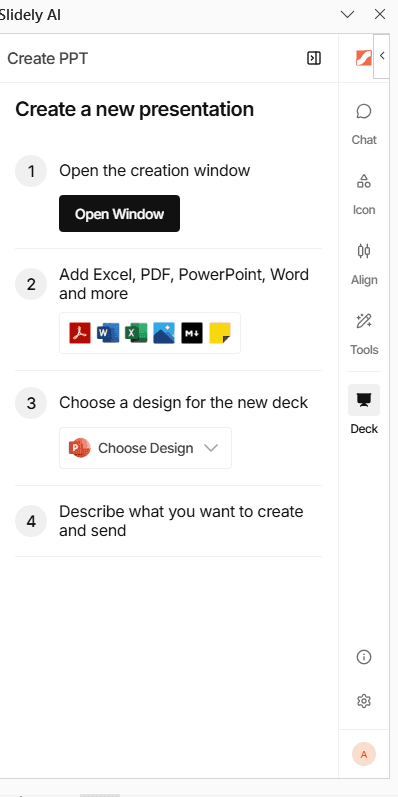
Slidely AI accepts documents, slides and spreadsheets as references, alongside an uploaded PowerPoint design source. That lets a team provide its brief, supporting data and branded deck together, then review how those inputs are used during planning.
Our take
Slidely AI for a PowerPoint brief and template; both support content inputs.
Both tools can turn supplied material into a presentation. Slidely AI has the clearer fit when reference documents and an existing company PowerPoint need to guide the same project. Beautiful.ai remains a practical option when the team wants to develop that content within its own slide system.
2. Can the tool research and enrich the presentation?
The files a user provides rarely contain all the context needed for a strong presentation. External information can completely change the interpretation of the internal data. A company growing at 20%, for example, looks very different if its market is growing at 10% versus 40%.
Research is useful only when the reader can verify it. We compare where external information enters the workflow and how easily a reviewer can check the supporting sources.
Beautiful.ai
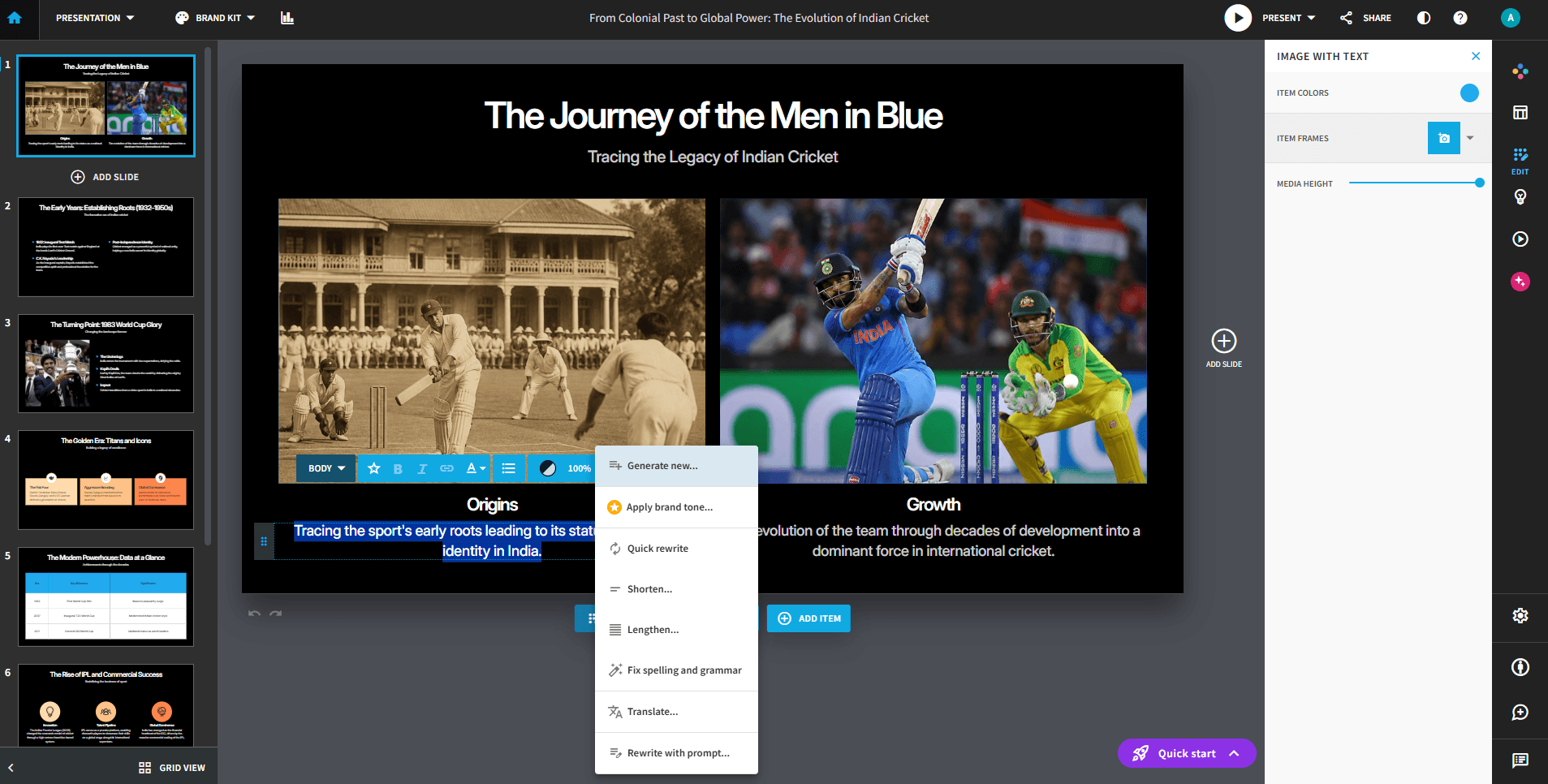
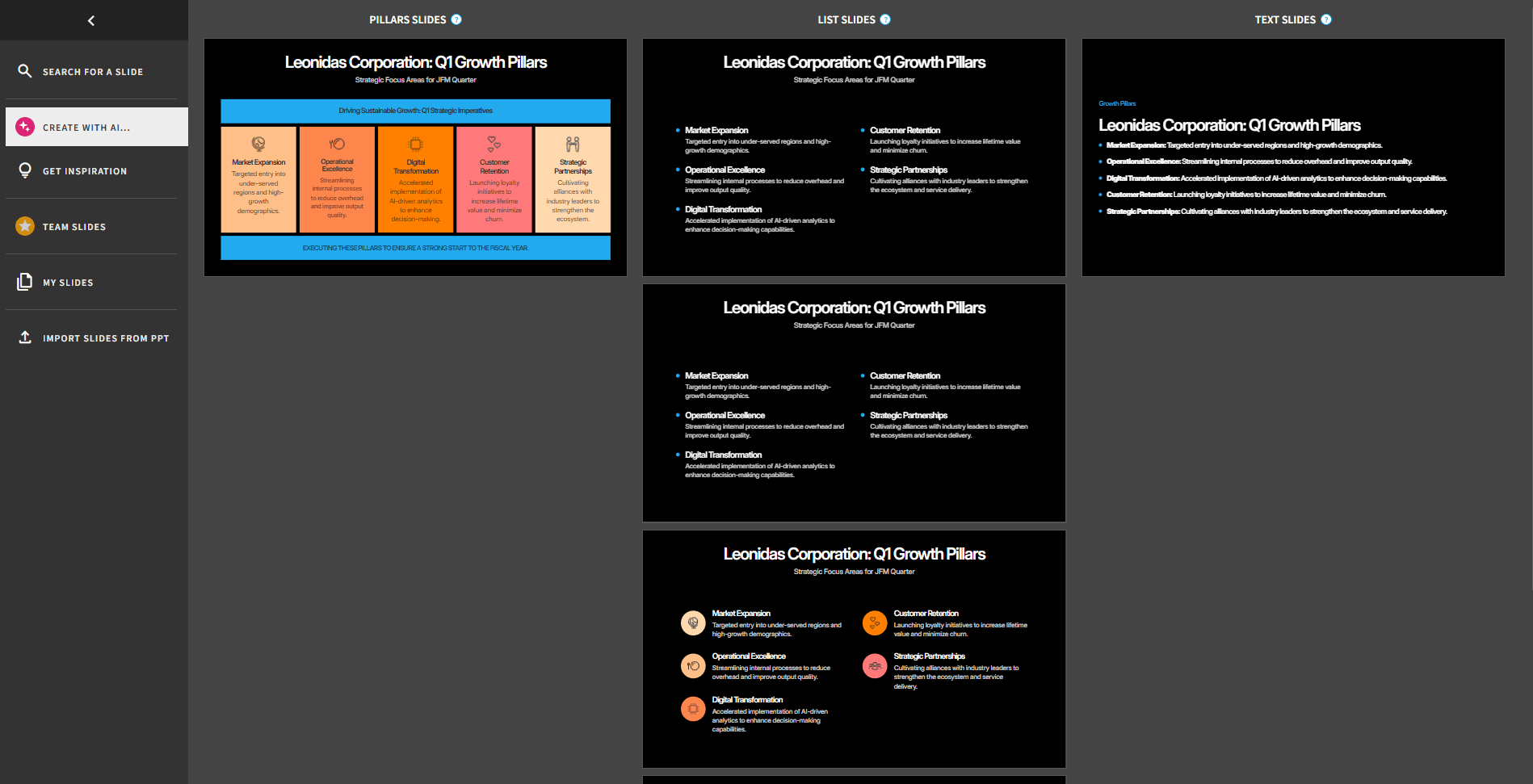
Beautiful.ai supports web search in Slide AI, alongside file context for an individual slide. It can therefore enrich a presentation with current information. A set of generated layout options, such as the example below, does not establish whether research was enabled or how well a claim was sourced.
Slidely AI
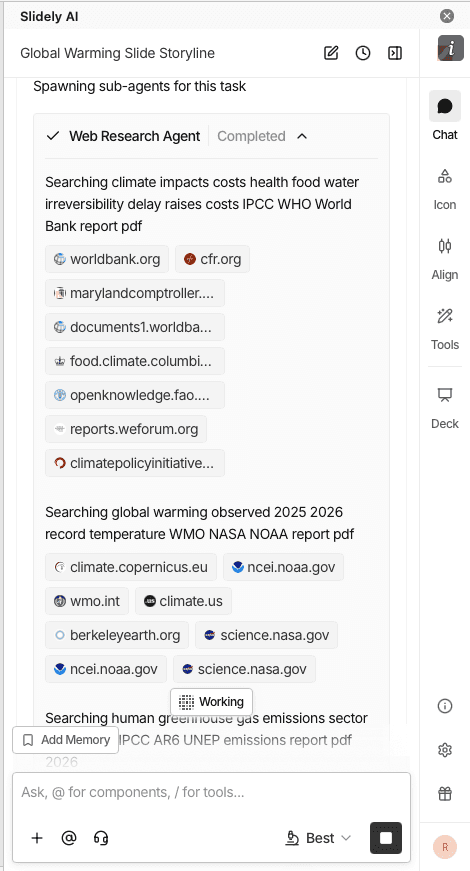
Slidely AI includes web search in its creation workflow and provides source links for review. Users can examine slide content and citations before proceeding with generation.
Slidely AI lets you review the evidence alongside the planned slide content before committing to the design. Check the source date, geography and definition of each metric at that stage, when correcting the argument is easiest.
Our take
Slidely AI for planning-stage source review; both support research.
Beautiful.ai can enrich individual slides through web search. We lean toward Slidely AI when sources and planned content need review before design begins. The available examples do not establish that either tool consistently produces more accurate research.
3. How well does it plan the storyline and slide content?
A good presentation is not simply a document broken into slides. Before designing anything, the creator needs to decide who the presentation is for, what the audience should take away, how the argument should unfold, and what evidence belongs on each slide.
The comparison here is about opportunities to review the argument before generation, rather than whether either product can produce an outline.
Beautiful.ai
Beautiful.ai creates a slide-by-slide outline that users can review and refine before generating the deck. Its AI chat can help restructure sections, expand ideas or simplify the outline. This is a genuine planning stage, not just a theme picker.
Slidely AI
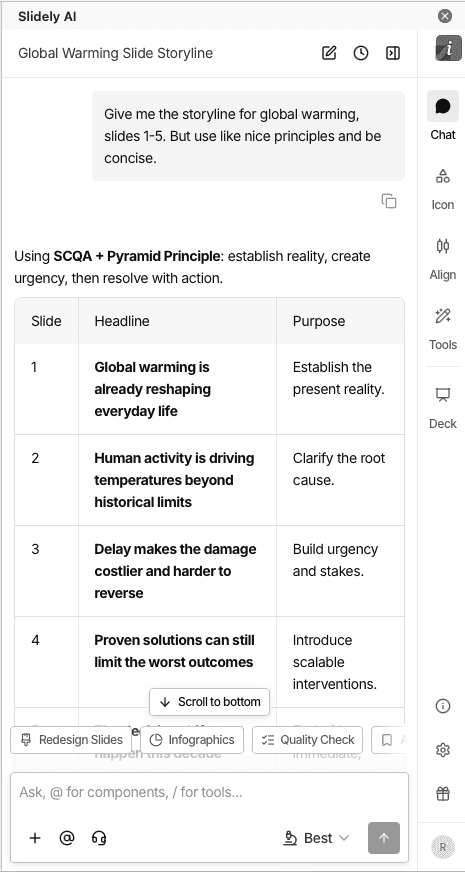
Slidely AI asks clarifying questions about the brief and supports review of the storyline and planned content for individual slides.
Use that stage to settle the audience, recommendation and supporting evidence. It is easier to correct a missing argument before investing in slide design.
Our take
Slidely AI for brief clarification and slide planning.
Beautiful.ai’s editable outline gives users a useful opportunity to shape the story before generation. Slidely AI’s clarifying questions and slide-content review are a good fit for a complex business brief. We lean toward Slidely AI for that use case, without treating outlining as an exclusive advantage.
4. Can you control the design direction before generation?
Even if the storyline and data are correct, there are many ways to visualize the same presentation. Discovering that the AI chose the wrong design direction after generating 30 or 50 slides creates unnecessary rework.
We therefore looked at how much control users have over layouts and visual direction before the full deck gets generated.
Beautiful.ai
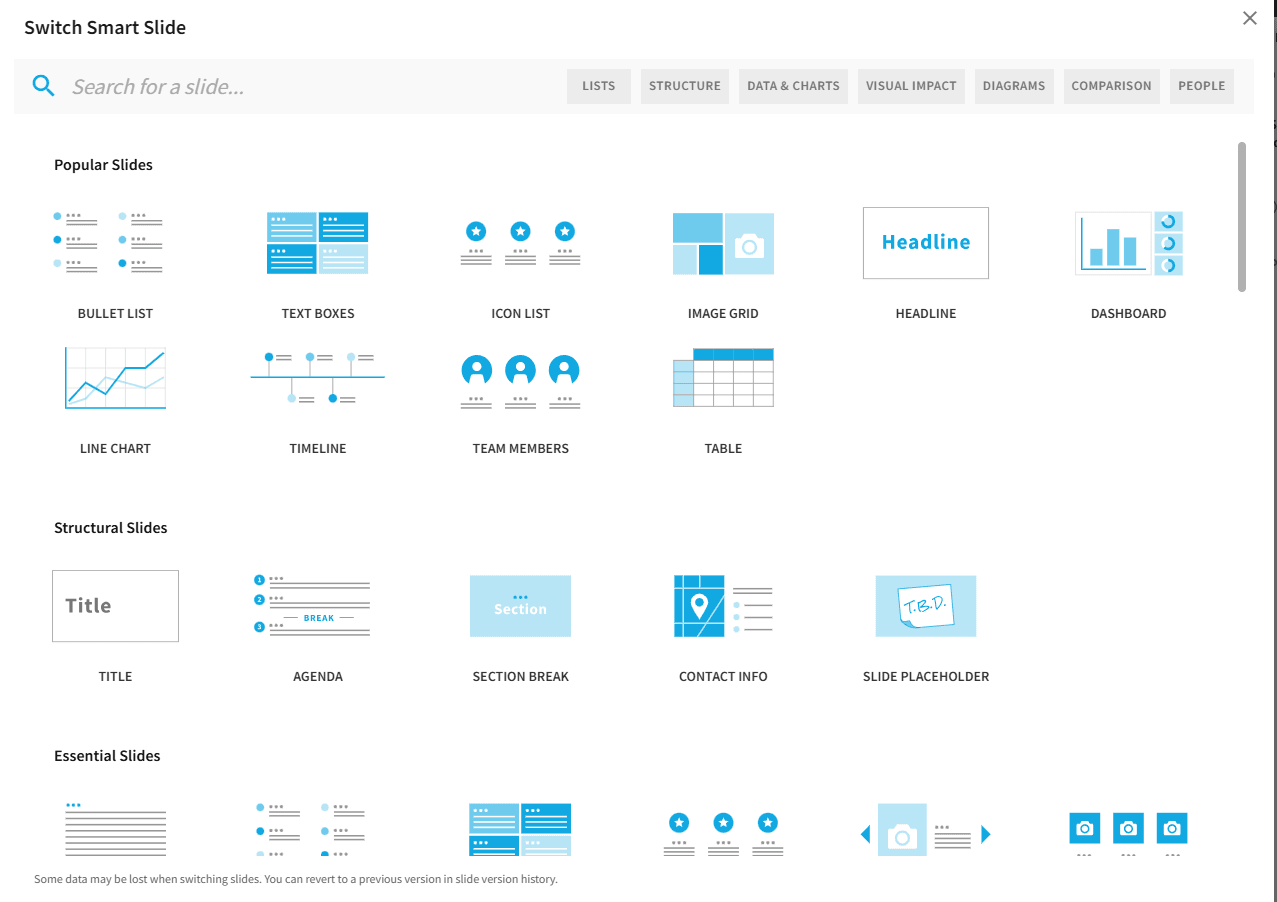
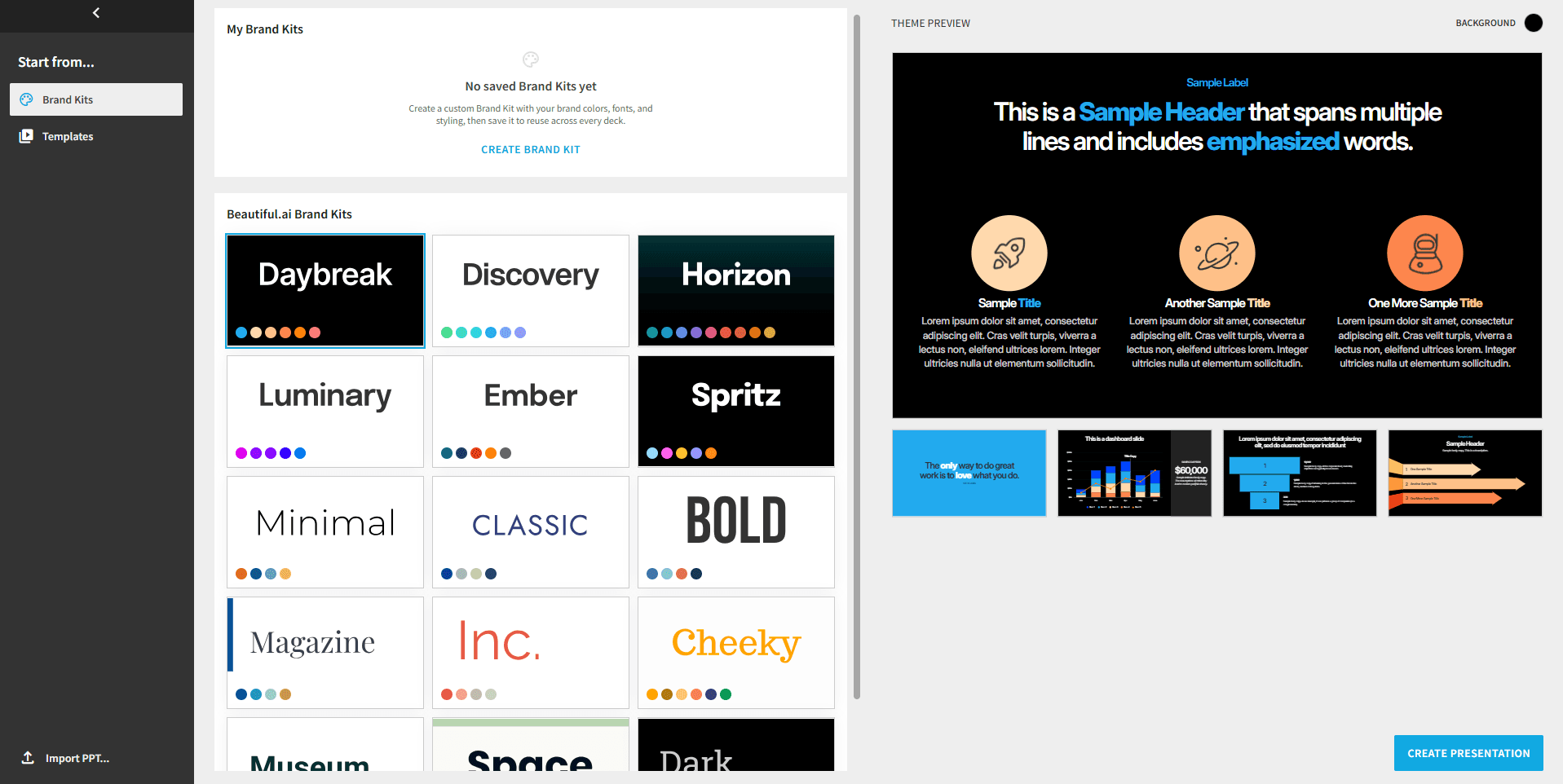
Beautiful.ai lets users choose a theme and image direction before generation, then explore Smart Slide layouts. Its guided design system suits users who want a consistent starting point without defining each object’s position.
Guided layouts can reduce the number of design decisions a user needs to make. Teams that need exact control over an existing PowerPoint design system should assess that requirement separately.
Slidely AI
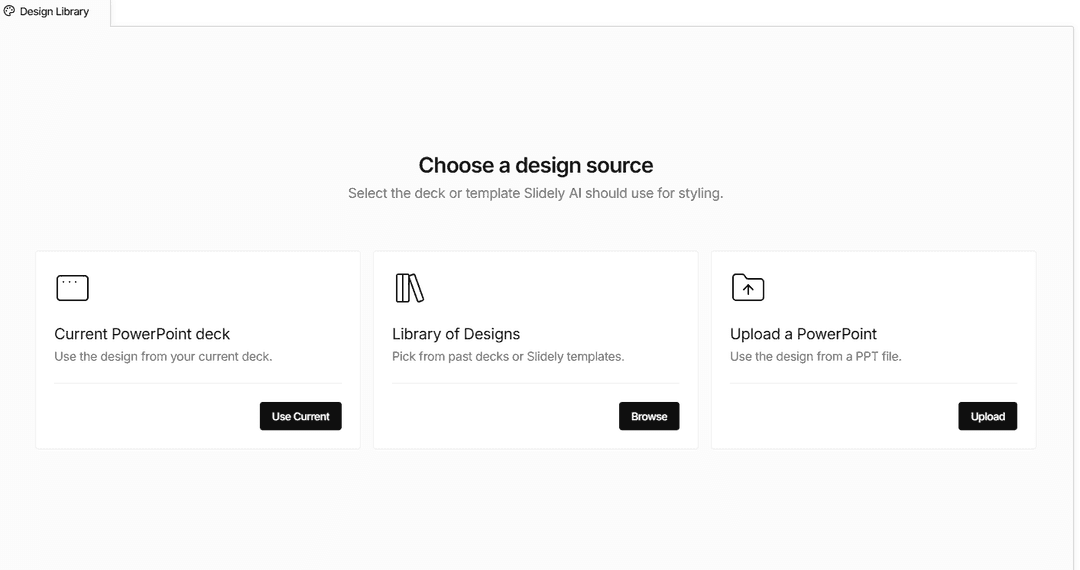
Slidely AI can use layouts from an uploaded PowerPoint template and lets users review layout choices alongside slide content.
This is useful when a team already knows which company layouts are appropriate for evidence, recommendations and detailed exhibits.
Our take
Slidely AI for company PowerPoint layouts; Beautiful.ai for guided design.
Beautiful.ai is a strong choice when you want the tool to guide the visual structure. Slidely AI is our pick when the design must follow a specific corporate PowerPoint file. For teams maintaining PowerPoint files, that layout control gives Slidely AI the stronger fit in this comparison.
5. Can it create high-quality, data-dense slides?
Professional presentations vary enormously in information density. An executive summary might contain one message and a chart; a consulting or financial-analysis slide might contain several charts, a detailed table, annotations, and supporting evidence.
We wanted to see whether the design adapts to the information, or whether the information has to be simplified to fit the design.
Beautiful.ai
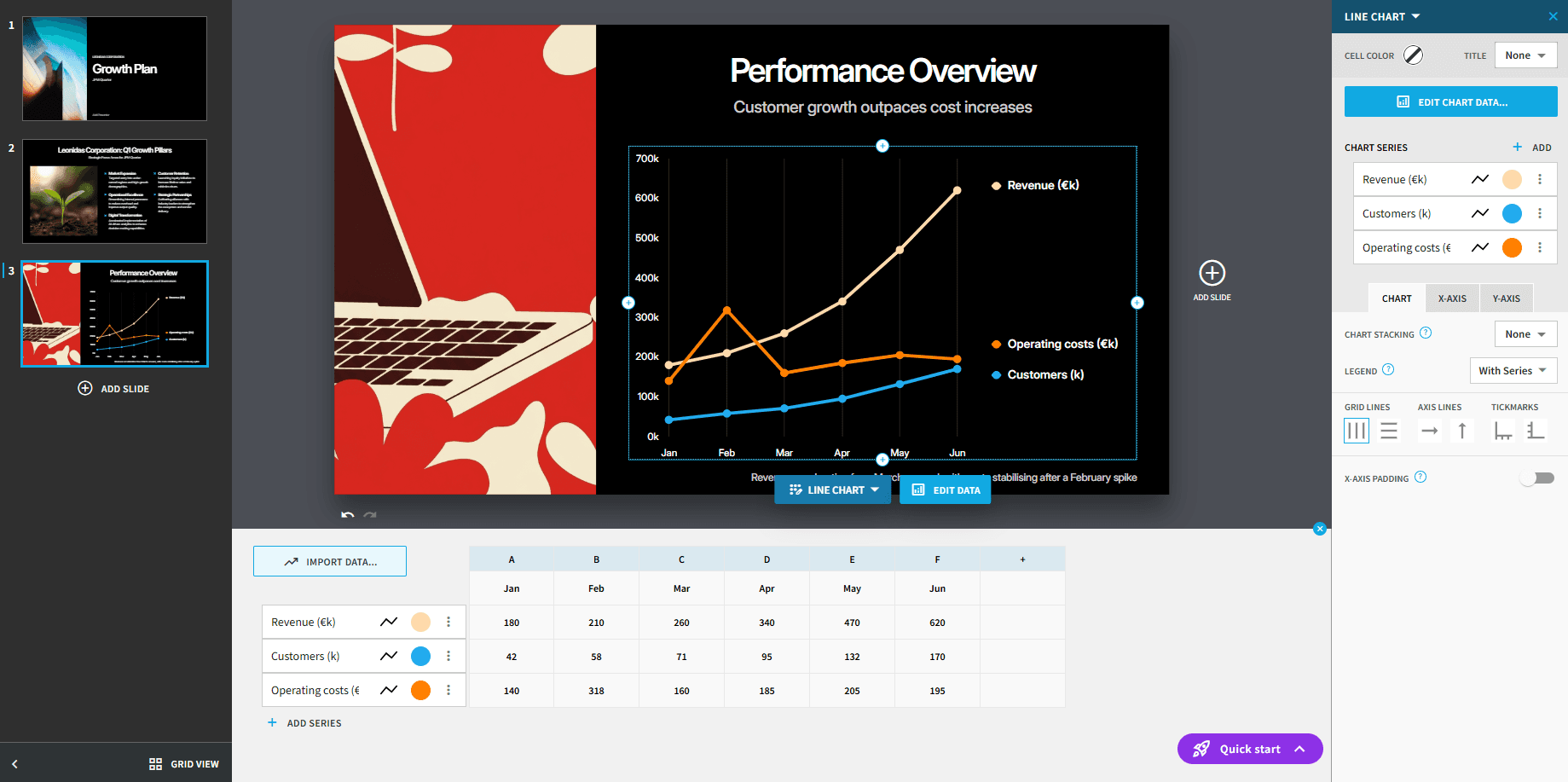
Beautiful.ai supports charts and tables, and the example below includes an editable chart-data panel. Its Smart Slide layouts guide how information is arranged. For a detailed business exhibit, assess how comfortably the layout accommodates the required labels, annotations and supporting data.
Slidely AI
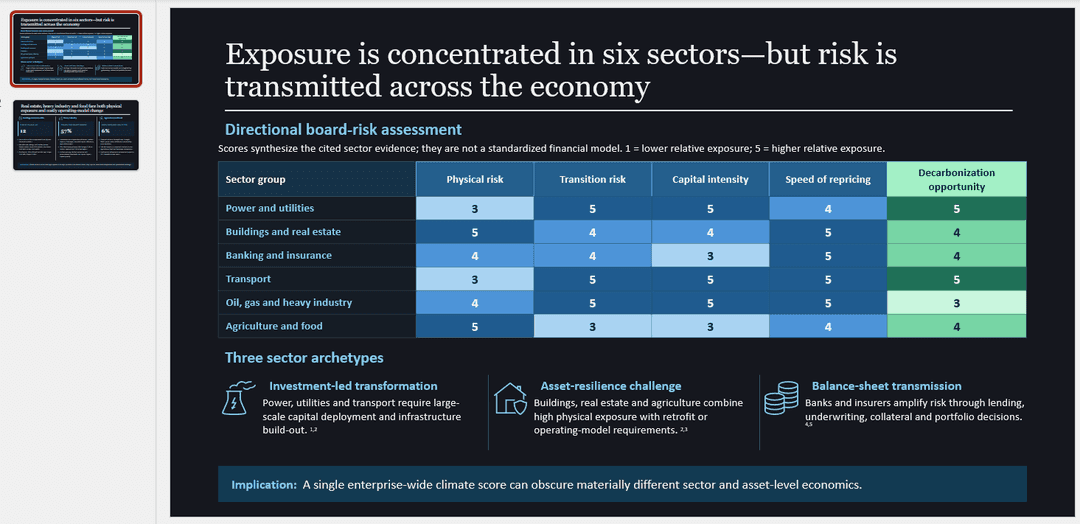
Slidely AI generates editable PowerPoint charts, tables and shapes. The example below shows a dense exhibit with several information layers on one slide.
Editable charts, tables and shapes let your team keep refining the exhibit in PowerPoint. Review the values and source references as part of the normal approval process.
Our take
Our pick for dense, editable PowerPoint exhibits: Slidely AI.
Slidely AI’s native PowerPoint objects suit detailed exhibits that will go through further revision. Beautiful.ai also supports charts and tables and may be sufficient for many business slides. These examples illustrate the workflows; they do not establish a universal quality advantage.
6. How fast and flexible is the creation workflow?
Generating a long presentation still takes time with any AI system. What matters is not only the absolute generation time, but whether the product keeps the user blocked while work is happening.
A useful comparison measures time to an approved deck, including review and repairs. Generation time alone is not enough.
Beautiful.ai
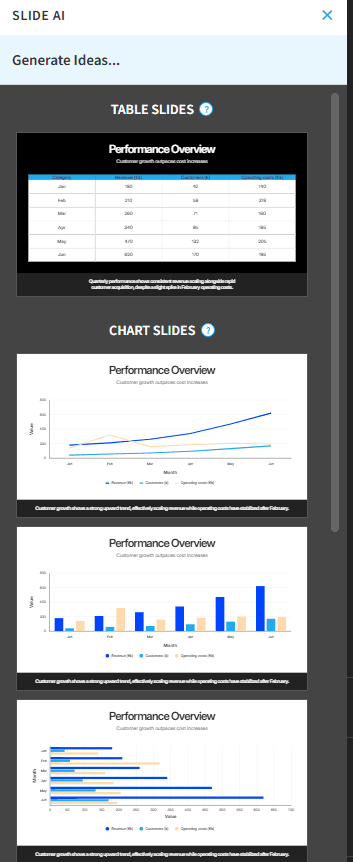
Beautiful.ai combines outline review, deck generation and slide-level iteration. The screenshot below illustrates its generation workflow. Generation speed is not measured in this comparison.
Slidely AI
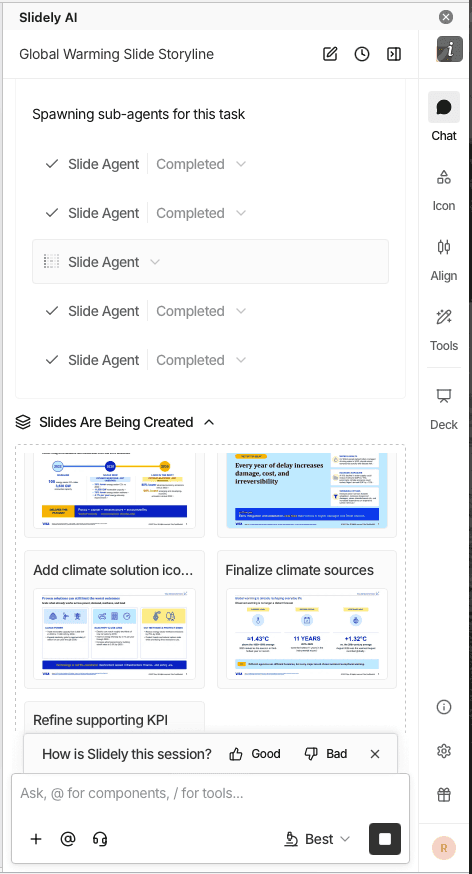
Slidely AI offers parallel chats, allowing separate presentation tasks to continue in different conversations.
Slide-completion and presentation-completion notifications help you follow progress without continuously watching a generation task. Parallel chats keep separate pieces of presentation work organized.
Our take
Our pick for managing parallel presentation tasks: Slidely AI.
Slidely AI’s parallel chats and notifications are useful when several presentation tasks are in progress. Beautiful.ai offers a straightforward outline-to-deck flow with slide-level iteration. We favor Slidely AI for parallel work, but have not measured which tool reaches an approved deck faster.
Branding, templates & design
Once the content is right, the next question is whether the output actually looks like it belongs to the company creating it.
For professional teams, branding is not just a logo, two colors, and a font. It is encoded in PowerPoint masters, layouts, reusable slide patterns, components, and hundreds of smaller design choices accumulated over time.
7. Can it use your real company template?
Many teams already have a professionally designed PowerPoint template. They do not need the AI to create a new design system; they need it to work correctly inside the one they already use.
We therefore looked at how easily each product can adopt an existing company or client template.
Beautiful.ai
Beautiful.ai can import PowerPoint slides and supports branded themes and team templates. Importing a deck and adopting its original PowerPoint masters as a native design system are different operations; test the resulting file if master fidelity matters.
Slidely AI
Slidely AI uses an uploaded .pptx as a design source, including its layouts and visual styling.
Start from representative company slides so Slidely AI has the layouts and styling your team wants to reuse. Review title slides, charts and tables against that source before the final handoff.
Our take
Best fit for a PowerPoint template as the starting point: Slidely AI.
Slidely AI keeps your existing PowerPoint design source at the center of the work. That makes it our recommendation for teams adapting company and client decks repeatedly.
8. Can it learn and reuse your company's design patterns and preferences?
A formal template only captures part of how a company actually designs slides. Teams also reuse KPI cards, table styles, timelines, process diagrams, chart treatments, section patterns, and dozens of other components that may never appear as formal PowerPoint layouts.
At the same time, individual users develop their own preferences about which patterns they like to use.
Beautiful.ai
Beautiful.ai supports reusable team slides, shared templates and Brand Kits. Team slides can adapt to the destination deck’s brand styling. That is more substantial than simply saving a completed deck for later.
Slidely AI
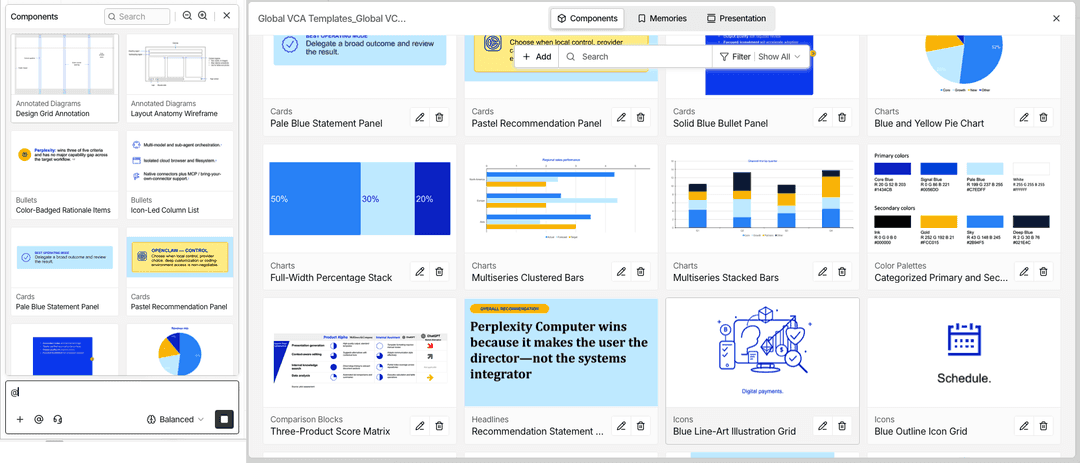
Slidely AI’s design components and scoped design memories are intended to reuse visual patterns and preferences from existing work.
For example, a recurring exhibit style may matter even when it is not a formal master layout. Review saved preferences so an exception for one client does not become a rule for another.
Our take
Slidely AI for PowerPoint design patterns; Beautiful.ai for shared brand content.
Beautiful.ai’s shared slides, templates and Brand Kits provide a strong approach to reusable team content. Slidely AI’s components and design memories are particularly relevant to recurring PowerPoint exhibits and client-specific preferences. For recurring PowerPoint work, we give Slidely AI the advantage. Beautiful.ai remains a strong option for shared browser-based brand content.
9. Can it help when you do not already have a usable template?
Sometimes there is no editable company template to begin with. A team might be pitching a prospect and only have the prospect's website, a PDF report, or a few public presentations as visual references.
In that case, the problem changes from "use this template" to "help me create a usable design system from the references I have."
Beautiful.ai
Beautiful.ai offers ready-made themes and slide templates for users starting without a company deck.
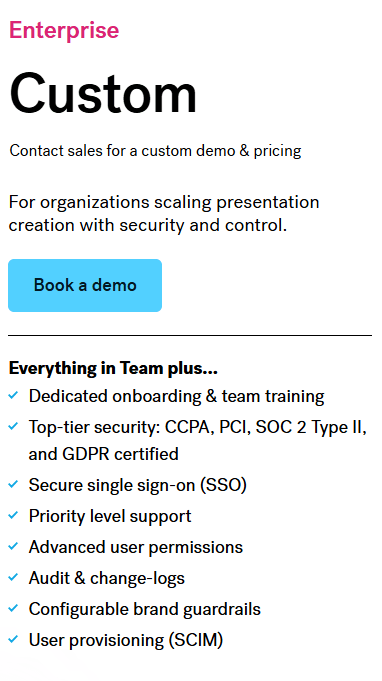
Ready-made themes are a practical advantage for users who want a polished starting point without developing a design system. Enterprise onboarding and training can also help teams adopt the product.
Slidely AI
Slidely AI also offers design starting points and tools for creating PowerPoint masters and layouts.
When working from a PDF or screenshot, separate visual inspiration from exact reconstruction. Review fonts, spacing and editable objects before treating the result as an approved company template.
Our take
Slidely AI for building reusable PowerPoint design; Beautiful.ai for a ready-made start.
Beautiful.ai is an appealing choice when you have no template and want guided design with fewer setup decisions. Choose Slidely AI when the goal is to develop editable PowerPoint masters and layouts for ongoing use. For a simple one-off browser presentation from scratch, Beautiful.ai deserves consideration.